What does NOTIFY do in IMS?
It carries the event-state update for an active SIP subscription.
| Protocol | ims | Network | 5G and LTE |
|---|---|---|---|
| Spec | RFC 6665 / 3GPP TS 24.229 | Spec Section | SIP NOTIFY method and event-state delivery |
| Direction | UE <-> IMS network | Message Type | SIP request method |
| Full message name | IMS SIP NOTIFY |
|---|---|
| Protocol | IMS |
| Technology | 5G and LTE |
| Common deployment | VoNR and VoLTE |
| Direction | UE <-> IMS network |
| Interface | Gm (UE <-> P-CSCF) with onward IMS routing |
| Signaling bearer / channel | IMS SIP signaling / Event-notification SIP transaction |
| Typical trigger | The far side has event-state information to report to the current subscriber. |
| Main purpose | Carries the event state associated with an existing subscription and keeps the subscriber informed of changes. |
| Main specification | RFC 6665 / 3GPP TS 24.229, SIP NOTIFY method and event-state delivery |
| Release added | See specification history |
| Procedures where used | IMS Event Subscription, Presence and Service State Subscription |
NOTIFY is the SIP request that delivers state updates for an active subscription.
Carries the event state associated with an existing subscription and keeps the subscriber informed of changes.
NOTIFY delivers event-state updates after a subscription is already active.
Call flow position: State-delivery step after a subscription exists.
Typical state: The subscription is active and an event update is being reported.
Preconditions:
Next likely message: 200 OK
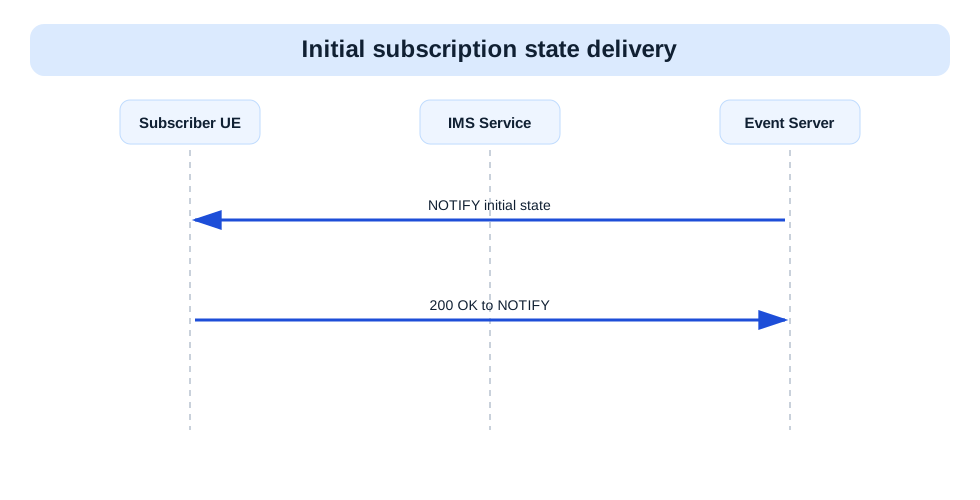
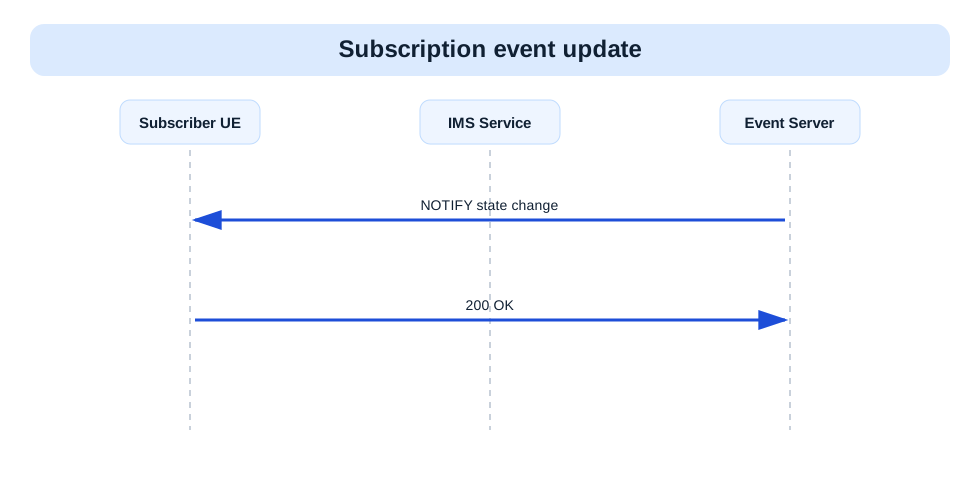
Previous message(s): SUBSCRIBE
Next message(s): 200 OK
Security context: Sent inside the subscription context created by SUBSCRIBE.
NOTIFY sip:user@example.net SIP/2.0
Via:
From:
To:
Call-ID:
CSeq:
Event:
Subscription-State:
Content-Type:                      OPTIONAL
Content-Length:

Event body                         OPTIONAL
NOTIFY is SIP event-delivery syntax. Read Subscription-State first, then the body if one is present.
NOTIFY sip:alice@example.net SIP/2.0
Via: SIP/2.0/UDP ims.example.net;branch=z9hG4bK-not1
From: <sip:presence@example.net>;tag=not1
To: <sip:alice@example.net>;tag=sub1
Call-ID: sub-001@example.net
CSeq: 1 NOTIFY
Event: presence
Subscription-State: active;expires=3500
Content-Length: 0
| IE | Required | Description |
|---|---|---|
Event | Yes | Identifies the event package whose state is being reported. |
Subscription-State | Yes | Shows whether the subscription is active, pending, or terminated. |
Content-Type | Optional | Identifies the body format carrying the event state. |
Event body | Optional | Carries the actual event-state payload. |
EventIdentifies the event package whose state is being reported.
Presence: Required
In practice: In practice, compare this field with the original request and with any later release-dependent optional fields so you can see whether the network accepted the same service model the UE asked for.
Subscription-StateShows whether the subscription is active, pending, or terminated.
Presence: Required
In practice: In practice, compare this field with the original request and with any later release-dependent optional fields so you can see whether the network accepted the same service model the UE asked for.
Content-TypeIdentifies the body format carrying the event state.
Presence: Optional
In practice: In practice, compare this field with the original request and with any later release-dependent optional fields so you can see whether the network accepted the same service model the UE asked for.
Event bodyCarries the actual event-state payload.
Presence: Optional
In practice: In practice, compare this field with the original request and with any later release-dependent optional fields so you can see whether the network accepted the same service model the UE asked for.
Likely cause: The event may be reported correctly while the subscription itself is expiring or terminating.
What to inspect: Start with Subscription-State and only then move to the body.
Next step: Compare the NOTIFY against the previous SUBSCRIBE refresh pattern.
It carries the event-state update for an active SIP subscription.
Decode this message with the 3GPP Decoder, inspect the related message database, or open the matching call flow to see where this signaling step fits in the full procedure.